
vercel 1小时前 · 2026-10-08 00:43:19 · 6 阅读
Vercel Flags 现已支持时间戳属性
Vercel Flags 现已支持为实体(entity)配置时间戳属性。实体代表 feature flag 评估所针对的用户、团队、设备或请求。
借助时间戳属性,你可以实现只在指定日期区间展示活动页面、运行黑五促销,或定向触达某个截止日期前注册的用户。
Copy link to heading配置时间戳属性
你可以在控制台或通过 CLI 配置时间戳属性。
在 Vercel 控制台中,打开 Flags,选择 Entities,然后创建或选择一个实体。添加一个属性,并将其数据类型设置为 timestamp。
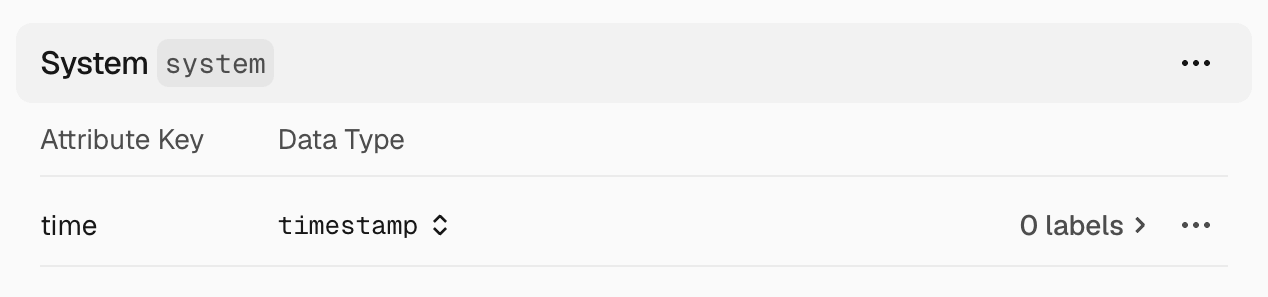
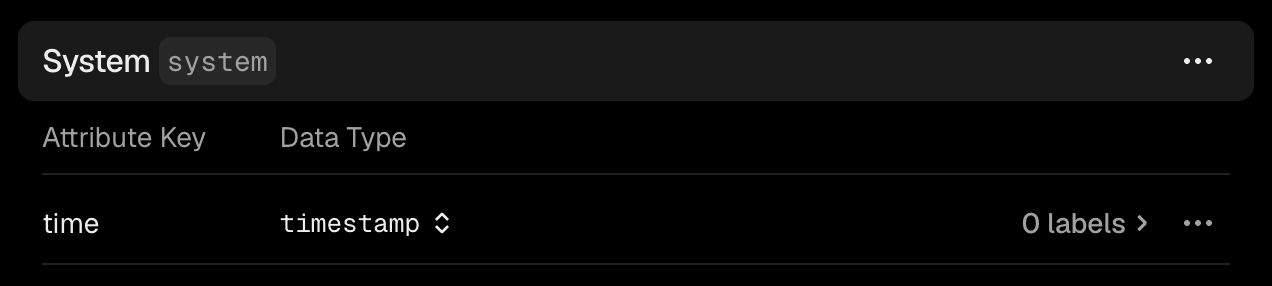
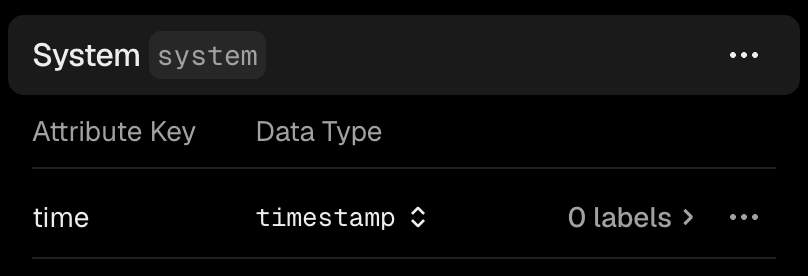
也可以通过 CLI 定义该属性:
# On a new entityvercel flags entities create system --label System \  --attribute time:timestamp
# On an existing entityvercel flags entities update system --add-attribute time:timestamp
使用 Vercel CLI 定义时间戳属性。
无论是在仪表板还是在 CLI 中配置属性,应用在评估 Flag 时都必须提供相应的值。实体和属性名称必须与你的配置保持一致,且值必须为毫秒级的 Unix 时间戳。
在此 Flags SDK 示例中,传入当前时间作为 system.time。由于 Date.now() 返回的值恰好是毫秒格式,符合要求。将其封装在 dedupe() 内可确保同一请求中评估的所有 Flag 使用相同的时间:
1import { dedupe, flag } from 'flags/next';2import { vercelAdapter } from '@flags-sdk/vercel';3
4type Entities = {5  system: {6    time: number;7  };8};9
10const identify = dedupe(async (): Promise<Entities> => ({11  system: {12    time: Date.now(),13  },14}));15
16export const promotion = flag<boolean, Entities>({17  key: 'promotion',18  adapter: vercelAdapter(),19  identify,20});
评估 Flag 时,将当前时间作为时间戳属性传入。
Copy link to heading添加定向规则
在仪表板中打开该 Flag,使用时间戳属性添加一条定向规则。规则会将应用提供的值与你指定的日期时间进行比较。
支持的规则包括:在之后、在…或更晚、在之前、在…或更早。日期时间选择器使用你的本地时区。
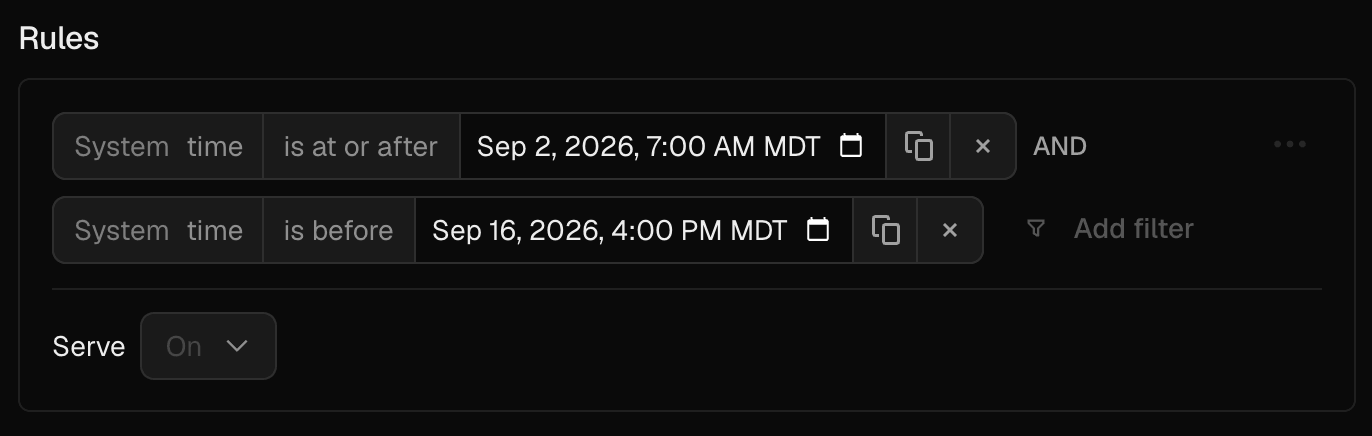
要通过 CLI 添加基于时间的定向规则,请使用 after、at-or-after、before 或 at-or-before:
vercel flags rules add promotion --environment production \ --condition system.time:at-or-after:2026-09-02T13:00:00Z \ --condition system.time:before:2026-09-16T22:00:00Z \ --variant on通过 Vercel CLI 为 Flag 添加日期范围。
了解如何在代码中提供实体以及如何在指定时间发布 Flag,或阅读Flags 文档。
原始来源: vercel