
Simon Willison 4小时前 · 2026-09-21 06:27:08 · 3 阅读
llm-keys-ui 0.1:通过网页界面安全配置 LLM API 密钥
Release
llm-keys-ui 0.1
— LLM 网页界面,用于设置密钥
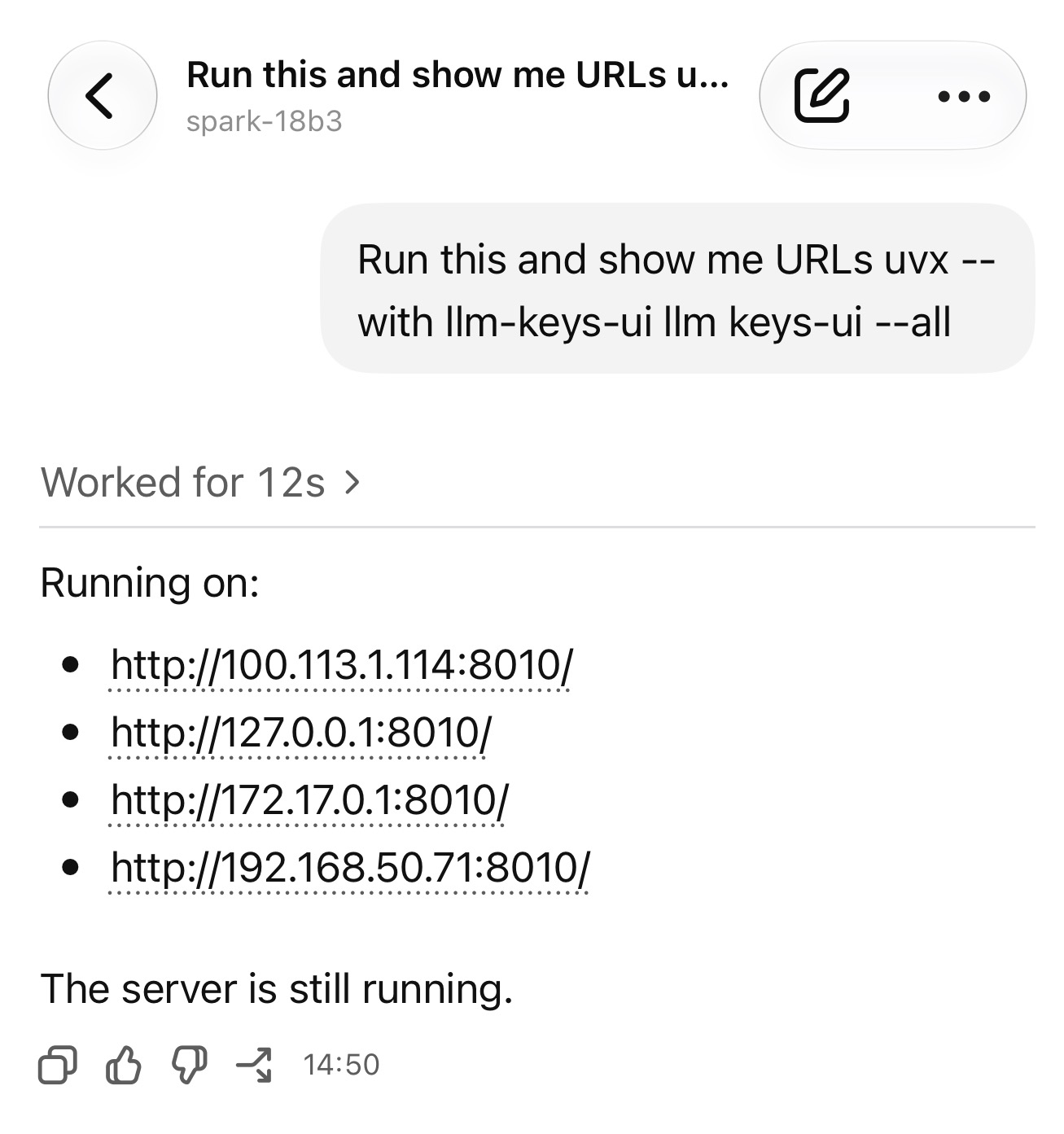
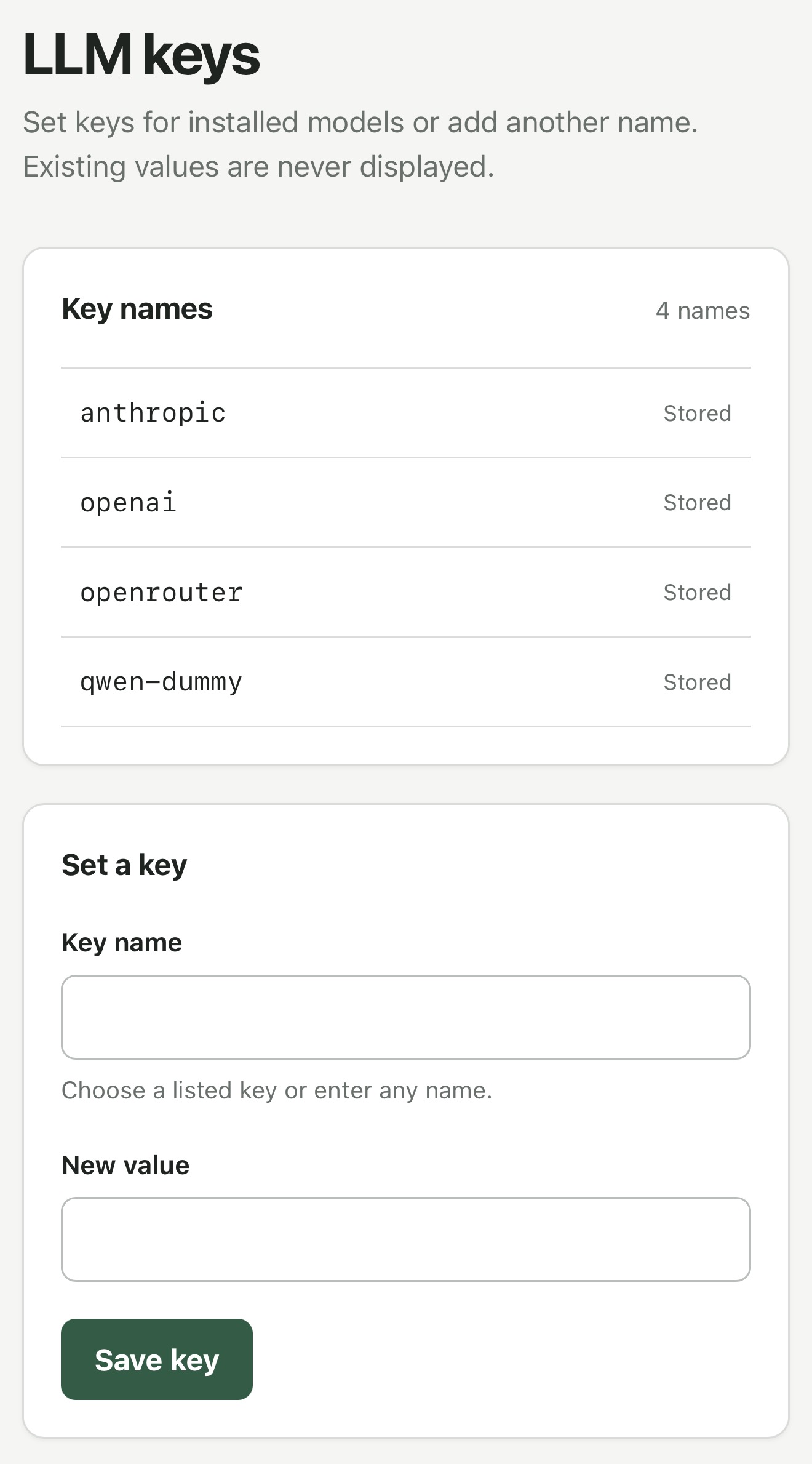
这个插件解决了非常具体的一个痛点。
我现在开始使用 Codex Remote 在多台机器上运行 coding agents,并直接通过手机进行控制。
有时我会在这些机器上折腾 LLM 项目,偶尔就需要配置 API 密钥。
我不喜欢把 API 密钥直接粘贴到 agent 会话中,因此我希望有一种方法能把密钥放到机器上,而不是直接粘进 ChatGPT 应用里。
有了这个插件,我可以让 Codex 执行以下命令:
uvx --with llm-keys-ui llm keys-ui --all
然后让它告诉我一个网址(包括局域网或 Tailscale 设备 IP),通过该网页界面保存额外的 API 密钥。
之后,当需要用到密钥时,它可以执行 llm keys get anthropic 之类的命令,将其作为 shell 命令的一部分使用。
原始来源: Simon Willison